Echo Chambers
Echo Chambers - Play fullscreen. The game will pause when focus is lost.
Requires a Mouse (with buttons 1-3) and a Keyboard. If you do not have a mouse with buttons 1, 2, and 3, a touchpad works, just not as well.
Button 1 = 1 finger-click. Button 2 = Alt/Search+click (or 2 finger-click). Button 3 = 3 finger-click. For Button 2, whether the alt key or the search key is used depends on your system settings (Chrome OS). If you have a MacBook, use Ctrl+click instead of Alt+click.
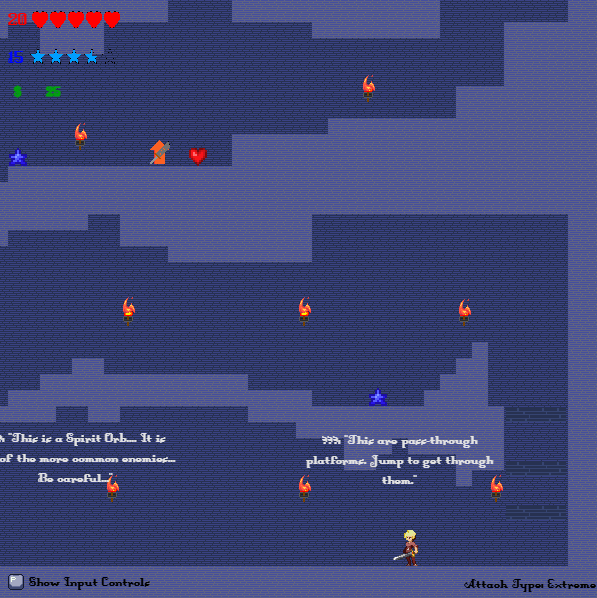
The Controls are shown in-game. While playing a level, hold [P] to show Controls—or while at the Main Menu, click Controls to view (may not show all).
PLEASE NOTE: There may be bugs. There is a Google Form in the devlog "Known Bugs." Use this to submit information about bugs.
WE ARE LOOKING FOR BETA TESTERS!
The play-in-browser version is the Vertical Slice version.
In development!
Download
Install instructions
Extract the zip file first.
1. Right-click on the zip file.
2. Click Extract All.
3. Open a folder (x64, x86, arm64)
4. Open the .exe file (application) named "Echo Chambers"
NOTE: Windows Defender SmartScreen may appear. Click More Info, then Run Anyway.
ALSO NOTE: For the HTML zip file, if you download it, you may need to use Visual Studio Code with Live Preview Extension.
Development log
- Known Bugs32 days ago
- Change Log54 days ago



Leave a comment
Log in with itch.io to leave a comment.